How does a debugger breakpoint work? You pick a line in a program, the debugger quietly rigs that spot, and when the running program reaches it, everything stops. The program is still alive, with its memory, its variables and its place in the code all intact. You get to look at all of it before you let it carry on.
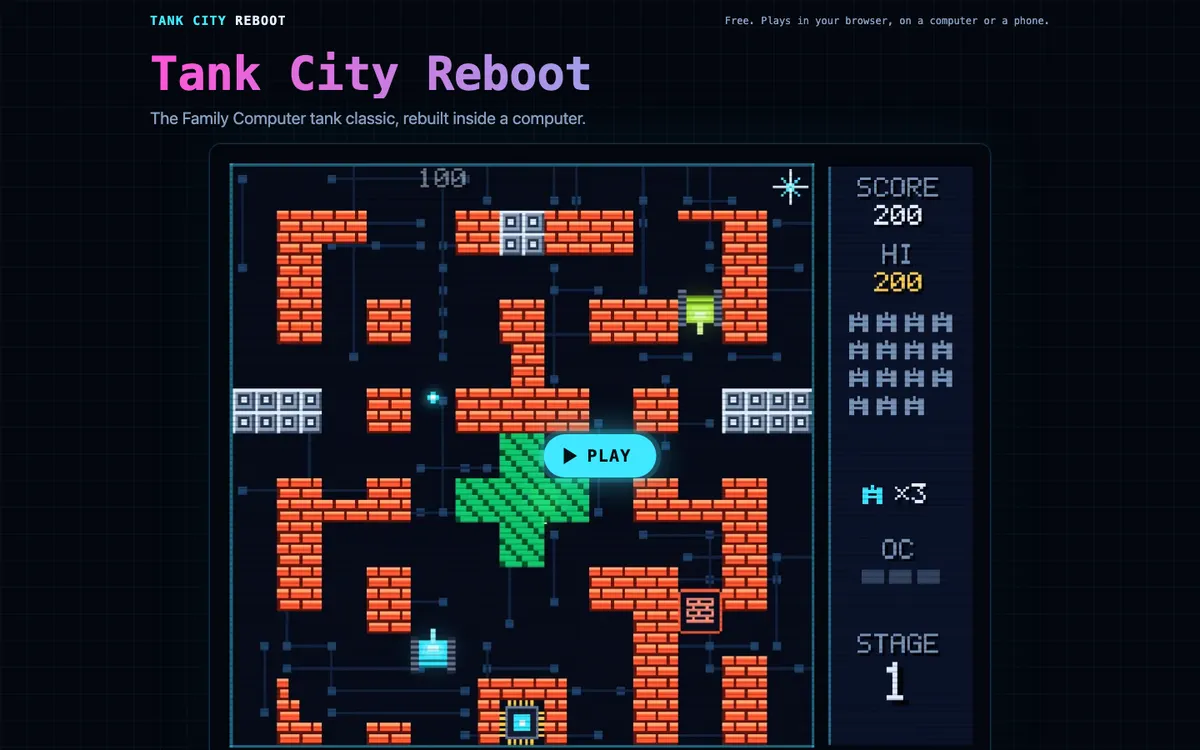
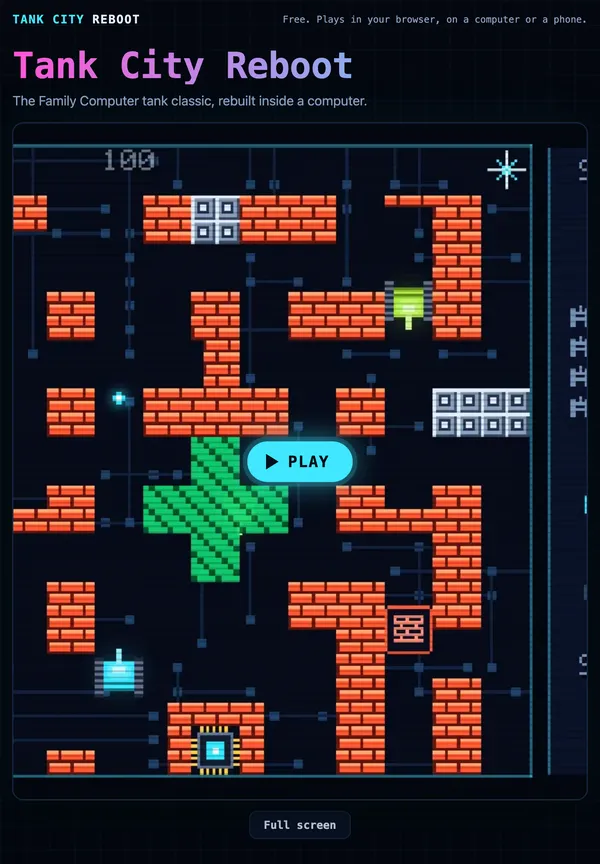
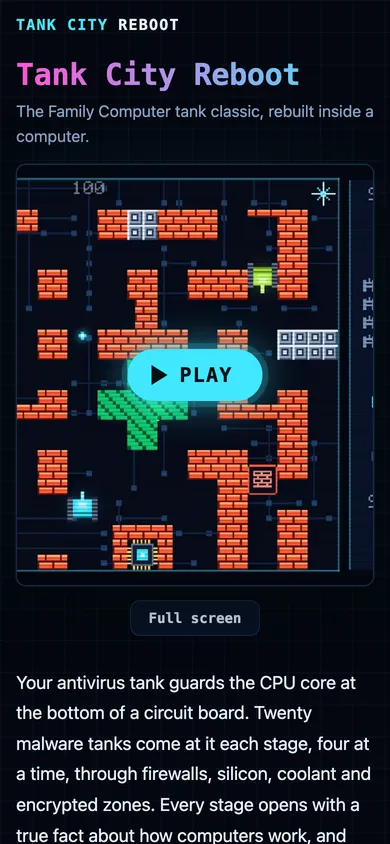
The browser game Tank City Reboot turns the idea into a power-up called Breakpoint, which freezes every enemy tank for eight seconds. Its own short line for the real idea is that a breakpoint makes a debugger pause a running program at a chosen line. That one sentence holds the whole trick, and the rest of the story is about how a debugger makes the pause happen and what you do once it does. Another of its power-ups borrows a memory idea, garbage collection in programming, which a debugger can also help you watch at work.
A planned stop inside a running program
Wikipedia's page on the breakpoint describes it as an intentional stopping or pausing place in a program, put there for debugging. The pause matters because bugs rarely show themselves at the line that causes them. A wrong number gets made in one place and only looks wrong much later, when it is printed or saved.
A breakpoint lets you stop the program before the damage spreads. While it is stopped, you can read the registers, the memory, the logs and the files the program is using, and check whether each one holds what you expected. The page puts it plainly: a breakpoint is a way to learn about a program while it runs.
Most breakpoints are set on one instruction. The program runs at full speed until the processor is about to carry out that instruction, then stops just before it. That kind is called an instruction breakpoint, and it is what most people mean by the word.
The job of the debugger
A debugger is a program that runs another program in a way that lets you watch and steer it. Its common features, by Wikipedia's account, are stepping through code one line at a time, breaking into the program's flow, managing breakpoints, and reading or changing memory.
There are two broad kinds. A source-level debugger shows you the line of source code the program has reached and lets you read variables by their names. A low-level debugger shows the machine code or assembly instead, and reaches memory only by its address. The breakpoint works the same way under both. Only the view on top of it changes.
How does a debugger breakpoint work in memory
There are two ways a breakpoint gets built, and the debugger picks whichever the machine allows.
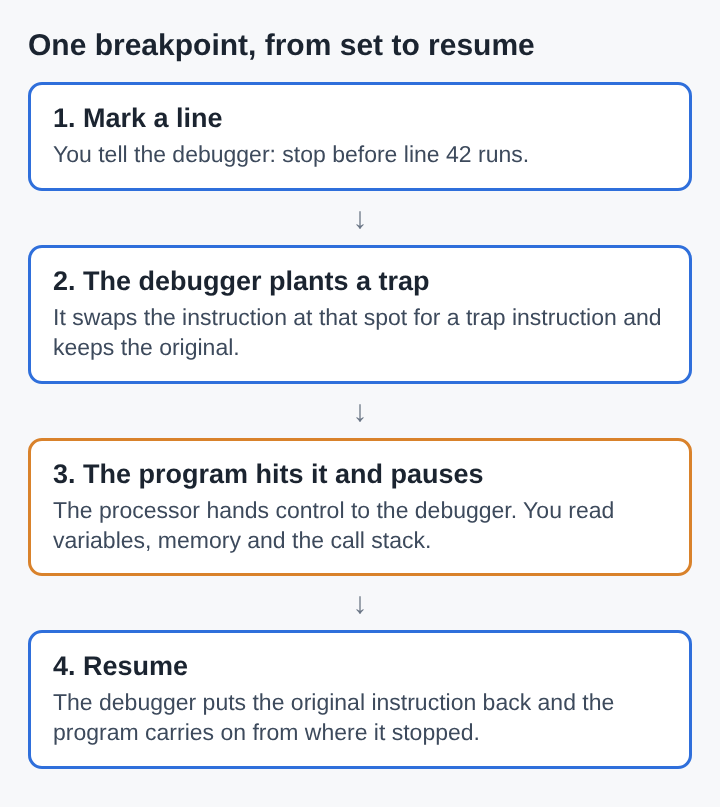
In software. The debugger replaces the instruction at the chosen spot with a different one and keeps a copy of the original. The new instruction either calls the debugger directly or is deliberately invalid, so the processor raises an interrupt that the debugger catches. On x86 processors, the instruction used is called int3. The program does not know the swap happened. It simply runs into the trap.
In hardware. Many processors have built-in support. The x86 family has special debug registers: the debugger writes an address into one, and the processor itself watches for that address and stops when it gets there. Nothing in the program's code is changed. The catch is that there are only a few such registers, and the exact limits vary from one processor design to another.
Software breakpoints have their own snags. If the program's code sits in protected memory, the debugger may not be allowed to overwrite it. And when several threads share the same code, the trap can fire on a thread other than the one you meant to stop, so the debugger has to put the original instruction back for that thread too.
What you can read while the program waits
Once the program is stopped, the debugger hands you a set of tools. The stack trace shows the chain of function calls that led to the paused line, so you can see who called whom to get there. A list of watches shows the current values of the variables and expressions you care about. Other panels show the processor's registers and the parts of the program that are loaded.
From there you have choices. You can step forward one line at a time and watch each value change. You can let the program run on to the next breakpoint. Some debuggers even let you change a variable's value while the program is paused, or continue from a different line to skip past a crash.
A worked example: finding a wrong total
Say a small program adds up the cost of each item in a shopping basket. The basket holds three items: 4, 6 and 10. The total should be 20, but the program prints 16.
Reading the code does not show the problem straight away, so you set a breakpoint on the line inside the loop that adds each item, the line that reads total = total + cost. Then you start the program under the debugger.
- First stop. The program pauses on the adding line. The watch list shows
costis 6 andtotalis 0. That is odd: the first item is 4, not 6. - Look at the counter. You add the loop counter
ito the watch list. It reads 1. The loop began at the second item, not the first. - Confirm it. You let the program run on to the breakpoint again. Now
costis 10 andtotalis 6. The next run ends the loop with a total of 16. - The cause. The loop starts its counter at 1, but the list's first item is at position 0, so the 4 is never added. Changing the start to 0 fixes it.
Three pauses on one line found a bug that a printed total of 16 could only hint at. You never had to add a single extra line of output to the program to find it.
Conditional breakpoints, watchpoints and logpoints
Stopping on every pass through a loop gets slow when the loop runs ten thousand times. A conditional breakpoint fixes that: it only stops when a condition you set is true, such as when total goes above 100 or when i equals 9,000.
Sometimes you do not know which line causes a problem, only which value goes wrong. A data breakpoint, also called a watchpoint, stops the program whenever a chosen place in memory is read, written or changed. Whatever line touches that memory, the program halts right there.
A logpoint is a gentler kind. It does not stop the program at all. When the program reaches the chosen spot, the debugger prints a message or the values of some variables, then lets the program carry on. That is useful when you cannot change the program's code, for example inside a library someone else wrote.
Where breakpoints came from
The idea is older than most programming languages. Wikipedia credits Betty Holberton with inventing breakpoints for ENIAC, one of the first digital computers. ENIAC was programmed by plugging cables from one unit to another, so to stop the program at a certain point, a cable was pulled out. That missing cable was the breakpoint.
Later mainframes such as the IBM/360 had switches and dials on the console that could halt the machine at a chosen instruction address, with the registers shown on the console lights. Halting the whole machine stopped being practical once computers ran many programs at once, which pushed breakpoints into software. Fully interactive, full-screen debugging arrived in the early 1970s, once video monitors became common.
Frequently asked questions
Does a breakpoint change the program's code?
A software breakpoint does, for a moment: the debugger swaps the instruction at that spot for a trap and puts the original back when it resumes. A hardware breakpoint uses the processor's debug registers and leaves the code untouched.
Why does a breakpoint sometimes never get hit?
The program may never reach that line on the path it takes, for example inside a branch that is skipped. A conditional breakpoint whose condition is never true will also never stop the program.
What is the difference between a breakpoint and a watchpoint?
A breakpoint stops the program at a chosen instruction. A watchpoint stops it whenever a chosen place in memory is read, written or changed, no matter which line does it.
Can you change a value while the program is paused?
Many debuggers let you edit a variable or memory while the program waits at a breakpoint. Some also let you continue from a different line, which can skip past a crash.
Tank City Reboot
The Family Computer tank classic, rebuilt inside a computer. Visit tankcityreboot.vlvd.net