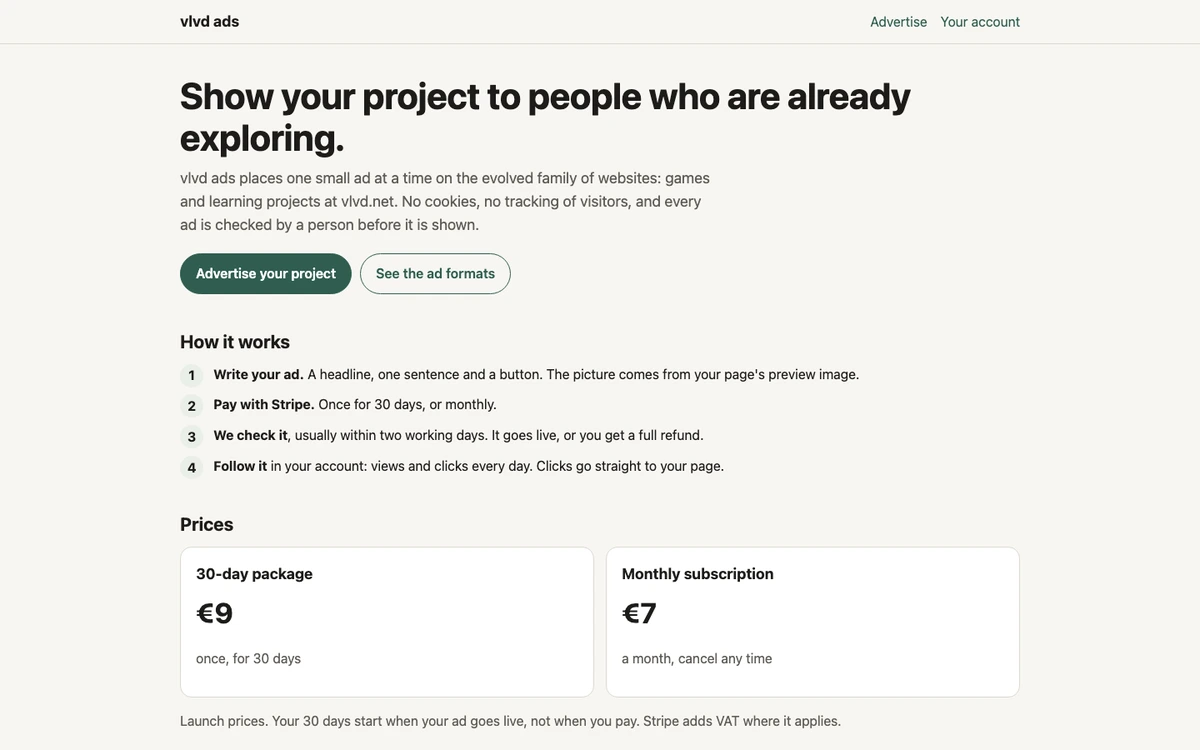
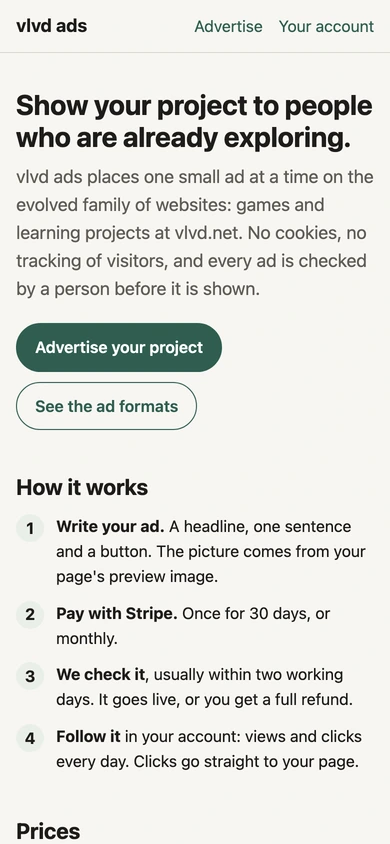
When people ask what makes an ad privacy friendly, the short answer is that the ad is chosen by the page it sits on, not by a record of the person reading it. A privacy friendly ad sets no cookie, gives the reader no id, does not tell the advertiser who saw it, and keeps only the counts it needs. One working example is a small ad service that shows one ad at a time on a family of game and learning websites. It uses no cookies, does not track visitors, and has a person check every ad before it runs.
What Makes an Ad Privacy Friendly: The Core Definition
Most ads you see online are built from two parts: the creative you look at and the data flow you never see. Privacy depends on the second part. You can check it by asking four questions.
- Selection: Was the ad picked because of the page, or because of a profile of you?
- Identity: Did the ad give your browser an id that can recognize you later or on another site?
- Exposure: Does the advertiser learn anything about you when the ad loads?
- Retention: Does the ad network keep a trail of individual visits, or only totals?
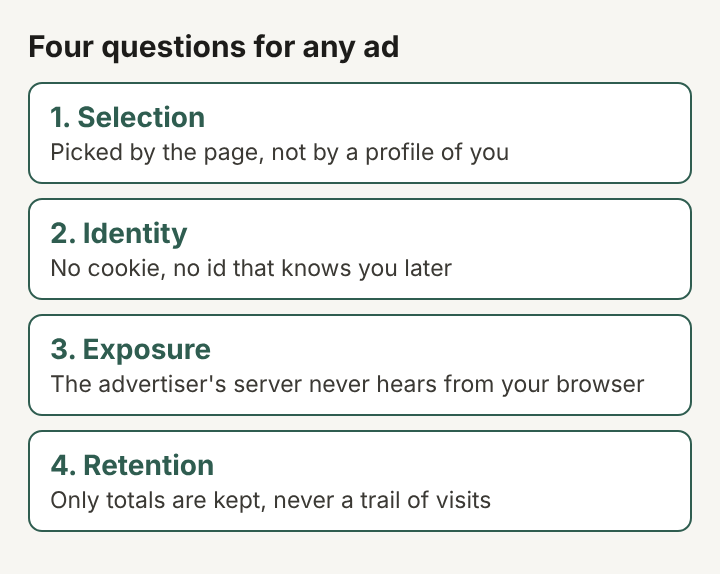
An ad is privacy friendly when the answer to all four protects the reader: page context, no id, no exposure, totals only. This approach is called privacy by design. Privacy is built into how the system works from the start, not added later as a setting the reader has to find.
Privacy Friendly Ads Match Page Context, Not Personal Profiles
Contextual advertising matches an ad to the content on the screen. A page about fractions gets an ad for a math puzzle game. A page about a strategy game gets an ad for another strategy game. The ad system needs to know about the page. It does not need to know about the reader.
Profile based ads work the other way. They collect what you read, click and shop for across many sites and turn it into a list of interests. Behavioral targeting is the general name for this. The ad follows the profile, wherever you go.
Here is a worked example. A student opens a lesson on the water cycle. A contextual system sees "learning site, science lesson" and shows an ad for a learning project. It does not know that the same student was looking at sneakers an hour ago, and it has no way to find out. The page sets the context, and the context ends when the page closes.
No Third-Party Cookies, Pixels or Cross-Site Identifiers in a Privacy Friendly Ad
An HTTP cookie is a small piece of text a server asks your browser to store and send back on later requests. When an ad loads from another company's server, that server can set its own cookie. If the same company has ads on thousands of sites, it can read that cookie on each one and link your visits together. That is how a third-party cookie turns into cross-site tracking.
A web beacon, often called a tracking pixel, does a similar job without a cookie. It is a tiny image, and the request to fetch it carries details: the page, the time, your IP address, sometimes an id. Any server that delivers part of an ad receives a request from your browser, so it learns something about you.
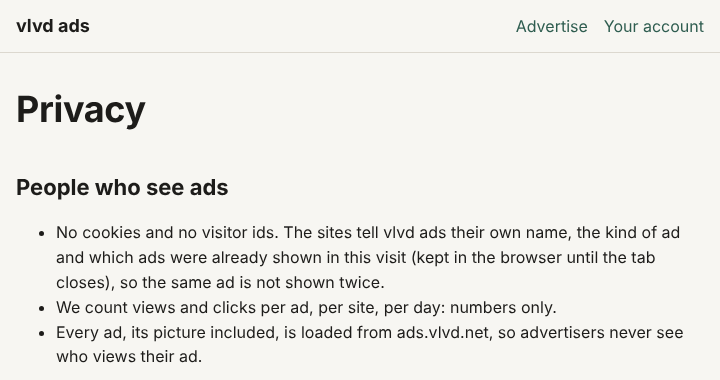
A privacy friendly ad closes both routes. It sets no cookie and assigns no id. It also loads every part of itself, image included, from one place: the ad service's own server. The service at ads.vlvd.net works this way: every ad and its picture load from that one address. The advertiser's own servers never receive a request from your browser, so the advertiser never sees who viewed the ad.
Data Minimization: What a Privacy Friendly Ad Network Collects and Keeps
Data minimization means collecting only what a task needs and nothing more. It is one of the core principles in the General Data Protection Regulation. For an ad, the task is small: pick an ad, avoid repeating it, count whether it was seen and clicked.
The same service shows how little that takes. When a site asks for an ad, it sends three things: the site's own name, the kind of ad it wants, and which ads were already shown in that visit. Your browser keeps that last list until you close the tab, in its own memory for that tab. Its only job is to stop the same ad from appearing twice.
Walk through a visit. You open a game page and see an ad for a word puzzle. You move on to a lesson in the same tab. The request for the next ad includes "word puzzle already shown," so you get a different one. You close the tab and the list is gone. On the service's side there is no record of you at all. It counts views and clicks per ad, per site, per day, and those are numbers only. A day's tally says "this ad, this site, this many views." It does not say "this person, then this page, then that page."
Human Checks and Small Ad Formats in Privacy Friendly Advertising
Privacy covers more than data. A reader is also protected by what an ad says and where it sends them. Small formats and a human check help with both.
Keep the ad short and there is little room to hide anything. There, an ad is a headline of up to 40 characters, one sentence of up to 90 characters, and a button of up to 18. The picture is not uploaded separately. It is the share image the advertised page already sets for itself, its og:image. So the picture always comes from the page the ad points to.
A person checks every ad before it is shown, usually within two working days. Some kinds of ad are refused outright: gambling, adult content, weapons, crypto and trading, politics, health or medical claims, and get-rich or money-making claims. An ad must also describe the page it links to truthfully. On game and learning sites, that check matters as much as the absence of cookies.
There are three formats: a banner inside the text, a small tab in the corner, and a full-screen ad shown when a reader finishes a lesson. Only one ad appears at a time, so the page never fills up with competing offers.
One Privacy Friendly Ad From Draft to Click
Follow one ad from start to finish. Someone has made a puzzle game and wants players who enjoy logic. They write a 40 character headline, one plain sentence and a short button label. Their game page already has a share image, so that becomes the picture.
A person checks the ad. Is the claim true? Does the page match the ad? Does it fall into a refused category? Once approved, it can appear on a game or learning page as a banner, a corner tab or an end-of-lesson screen. A reader who taps the button goes straight to the game page, with no detour through a tracking redirect.
The advertiser gets views and clicks for every day. They learn whether the ad worked. They never learn who saw it, because nobody was identified in the first place.
How to Check Whether an Ad Is Privacy Friendly
You do not have to take a privacy claim on trust. A few checks in any desktop browser show what is going on.
- Open the network panel. In your browser's developer tools, reload the page and watch which domains the ad loads from. One domain is a good sign. A long chain of ad and tracking domains is not.
- Look at storage. In the same tools, open the storage or application panel. Check for cookies set by the ad's domain, and for anything in local storage that lasts after you close the tab.
- Find the image source. If the ad's picture loads from the advertiser's own server, the advertiser receives a request from your browser.
- Hover the link. A link that goes straight to the advertised page is cleaner than one that bounces through redirect addresses packed with long id strings.
- Read the privacy page. A privacy friendly network can say exactly what a site sends it and what it counts. Vague wording such as "to improve your experience" is a reason to look closer.
These checks also show whether a site's cookie notice describes what actually happens on the page.
Frequently asked questions
Do privacy friendly ads still reach the right readers without tracking?
They reach readers through the page instead of the person. Someone reading a math lesson is, at that moment, interested in math, and the page already tells the ad system that.
Is contextual advertising the same as privacy friendly advertising?
Not always. An ad can be chosen by context and still set cookies or load pixels from other servers. It is privacy friendly only when matching by context comes with no identifiers, no exposure to the advertiser and totals-only counting.
Does a privacy friendly ad need a cookie consent banner?
Consent rules such as the ePrivacy Directive depend on what is stored on or read from the device, and why. An ad that sets no cookie and keeps only a tab-length list to avoid repeats gives a site much less to ask about, but the site's other tools still count, and the rules differ by country.
Can a privacy friendly ad still count clicks?
Yes. It counts clicks and views as totals per ad, per site and per day, which tells an advertiser whether an ad worked without recording who clicked.
What a Privacy Friendly Ad Leaves Behind
The clearest sign of a privacy friendly ad is what remains after the tab closes. On the reader's side, nothing: no cookie, no id, no list of ads already seen. On the advertiser's side, a daily count of views and clicks, with no names or paths attached. On the network's side, the same totals, tied to an ad and a site rather than to a person.
Profile based ads leave the opposite trail: a growing record of where one browser has been, kept by companies the reader never chose to visit. The difference is not in how the ad looks on the page. It is in how much of the visit outlives it.
vlvd ads
Show your project to people who are already exploring. Visit ads.vlvd.net