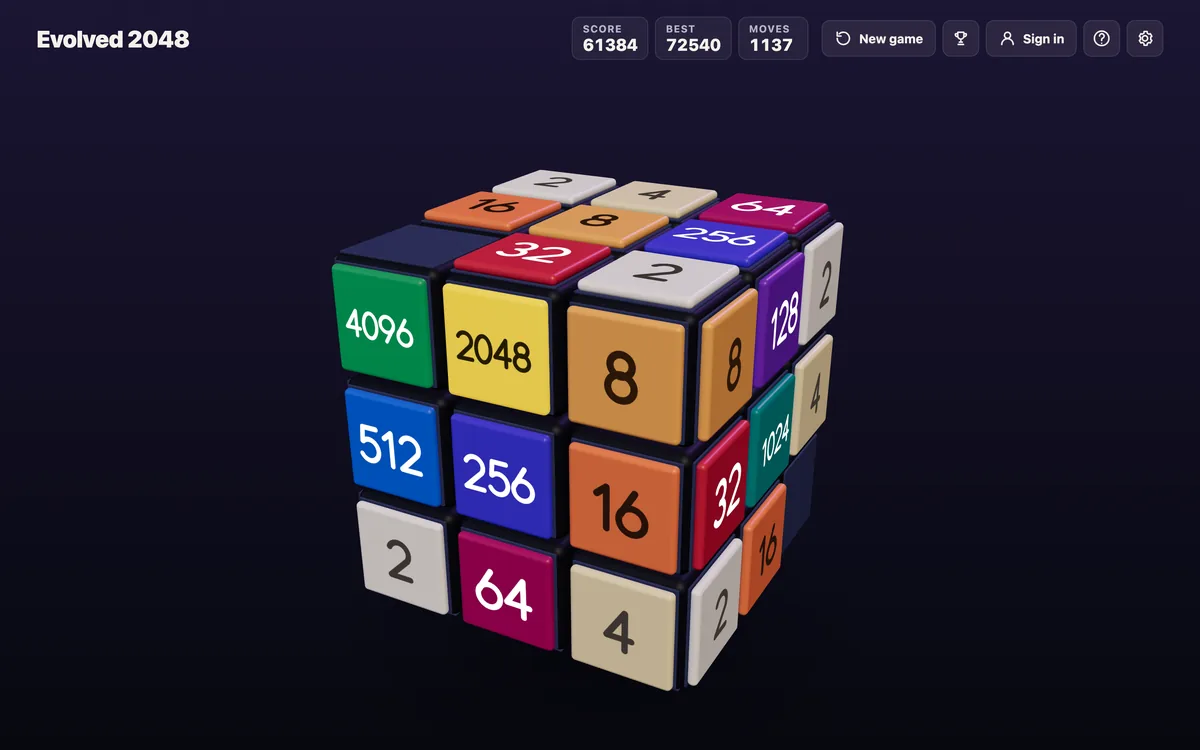
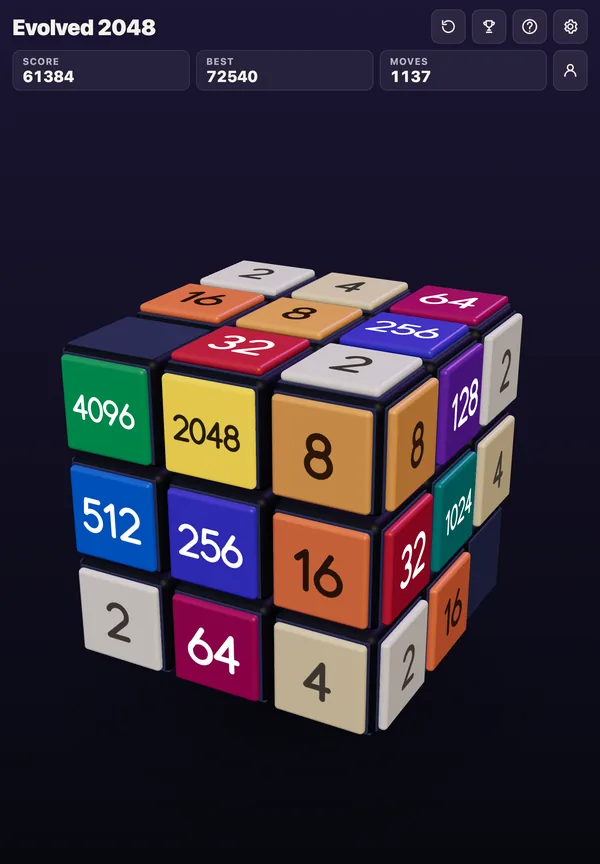
If you want to know how to play 2048 with a keyboard, the short answer is four keys: up, down, left and right. Every press slides every tile on the board one way, and two equal tiles that meet become one tile worth their sum. The longer answer is about which keys you rest your fingers on, how often you press each one, and what changes when the board is a cube rather than a flat grid. Evolved 2048 plays the puzzle on a Rubik's cube in a web browser, and its keyboard layout adds a few keys on top of the four arrows.
How to play 2048 with a keyboard: the four keys
The original 2048 is played on a plain 4 by 4 grid, with numbered tiles that slide when a player moves them using the four arrow keys, as the Wikipedia page on 2048) describes it. There is no key for picking up a single tile and no key that ends a turn. One press is one move.
Each press does three things in order. First, every tile slides as far as it can in that direction, until it hits another tile or the edge of the grid. Second, two tiles of the same number that collide merge into one tile with their total, and that new tile cannot merge again in the same move. Third, a new 2 or 4 appears in a random empty square, a 2 most of the time.
So the keyboard never asks you to aim. It asks you to choose one of four directions, again and again, and to live with where the new tile lands.
Arrow keys or W A S D: picking your hand position
The arrow keys sit in an inverted T near the bottom right of most keyboards. W A S D is the same shape on the left side, with W for up, A for left, S for down and D for right, and it is one of the most common alternative layouts used in computer games.
Some 2048 versions accept both. Which one you use matters less than keeping your fingers on it the whole game. A few habits help:
- Rest three fingers on left, down and right (or A, S and D) and reach up only when you mean it.
- Keep your eyes on the board, not the keys, so you notice where each new tile lands.
- Press once and wait for the tiles to stop before the next press, at least until the board is calm.
The first habit is the one that pays off. Most strong 2048 play keeps the biggest tile in one corner and uses only two or three directions most of the time. If that corner is the bottom left, your main keys are left and down, with right as the third. Up is the key that pulls your big tile out of its corner, so keep it out of easy reach.
A worked example: three presses on one row
Take one row of a 4 by 4 grid that reads, from left to right: 2, 2, 4, 8. Suppose your corner is on the left.
- Press left (or A). The two 2s collide and merge into a 4. That new 4 cannot merge again on this press, so it stops next to the old 4. The row becomes 4, 4, 8, empty. A new 2 or 4 then appears somewhere on the board.
- Press left again. The two 4s merge into an 8. The row becomes 8, 8, empty, empty.
- Press left a third time. The two 8s merge into a 16, and the row reads 16, empty, empty, empty.
Three presses of the same key turned four tiles into one, and the biggest tile stayed on the left edge the whole time. Had you pressed right on the first move instead, the 2s would still have merged, but the row would have packed to the right: empty, 4, 4, 8. Your 8 would now sit on the wrong side, and you would need more presses to bring it back.
The lesson is small but it repeats all game. The key you press decides which edge the tiles pack against, and packing against your corner edge keeps the board in order. For a closer look at what happens inside a single slide, see the rules behind every slide in 2048.
Speed: when to press fast and when to stop
Because one press is one move and every move adds a tile, pressing fast means the board fills fast. Early in a game, with lots of empty squares, quick presses of your two main keys rarely hurt. Later, when only a few squares are open, a single careless press can put a 2 in the one square you needed.
A simple rule: when four or fewer squares are empty, take your hand off the keys after every press. Read the board, decide, then press. The keyboard makes it easy to play by rhythm, and rhythm is what costs most games in the end.
How the keys change on a cube
On a cube, the board is six faces of nine squares each, 54 squares in all, and you play on the front face. The slide follows the flat 2048 rules: the arrow keys or W A S D move every tile on the front face, and two equal tiles merge into their sum. What changes is that you have two more kinds of move.
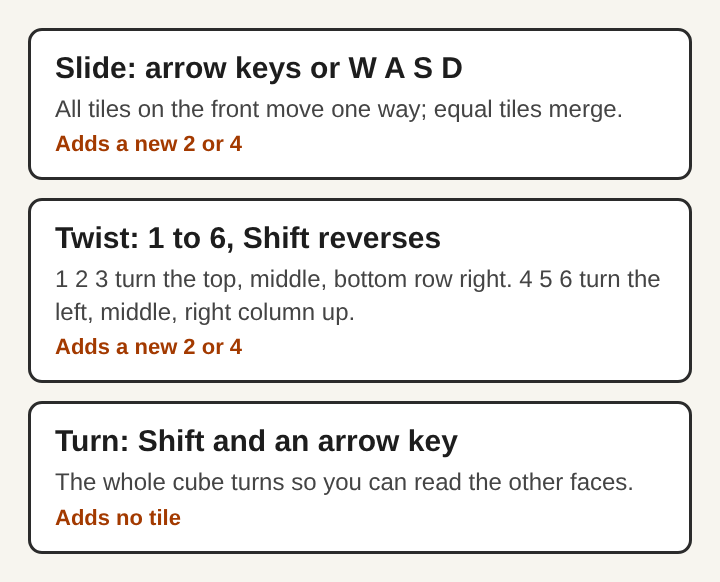
- Twist. The keys 1, 2 and 3 twist the top, middle and bottom row to the right. The keys 4, 5 and 6 twist the left, middle and right column up. Holding Shift twists the other way. The row or column turns a quarter and carries its tiles to the next face, so a tile from a side face can land next to its match on the front.
- Turn. Shift and an arrow key turns the whole cube, so you can look at the other faces.
The difference between these two matters for how you use the keyboard. Every slide or twist adds a 2 or a 4, on the front face when it has room, and a twist needs one empty square for it. Turning the cube adds no tile at all. So Shift and an arrow is the one press you can make as often as you like. Use it to check the far sides before you commit to a slide or a twist. The twist keys get their own walk-through in how to twist rows in 3D 2048.
Keyboard or touch screen
On a phone, the same moves are swipes and drags. A swipe slides the tiles, and on a cube you drag a row or column to twist it, or drag the space around the cube to turn it. The rules do not change between the two, only the way you give each move.
The keyboard has one clear edge: a key press is exact. A swipe that starts at an angle can be read as the wrong direction, and in 2048 a single wrong direction can pull your biggest tile out of its corner. If you play often on a computer, the keyboard is the steadier way to play. On a phone, slow, straight swipes give you most of the same control.
Frequently asked questions
What keys do you use to play 2048?
The four arrow keys, one for each direction. Many versions also accept W, A, S and D for up, left, down and right.
Do W A S D and the arrow keys do the same thing?
Where a game accepts both, yes: W is up, A is left, S is down and D is right. Pick one set and keep your hand on it.
Why does the same key sometimes do nothing?
Tiles only move when they have room or a match in that direction. If every tile is already packed against that edge with no equal neighbours, the press has nothing to move, so try another direction.
How do you twist rows on a 2048 cube with a keyboard?
On a cube, 1, 2 and 3 twist the top, middle and bottom row right, and 4, 5 and 6 twist the left, middle and right column up. Shift twists the other way.
Why a few keys are enough for 2048
2048 is a game of choosing directions, and four keys are all the choices there are. That is why the keyboard suits it so well: nothing stands between the decision and the move. The skill lies in pressing the same two or three keys most of the time, keeping one corner as home, and slowing down when the board gets tight. On a cube, the extra keys add twists and turns, but the core stays the same four directions, with equal tiles merging into their sum every time two of them meet.
Evolved 2048
The 2048 puzzle on a Rubik's cube, and past 2048. Visit evolved2048.vlvd.net