Paste a link into a chat and, a second later, a small card appears with a picture, a title and a line of text. The picture usually comes from one line in the page's code. So, what is an og:image? It is a tag in a page's head that names the image apps should show when the page is shared. The page's owner picks it once, and every app that reads it shows the same picture.
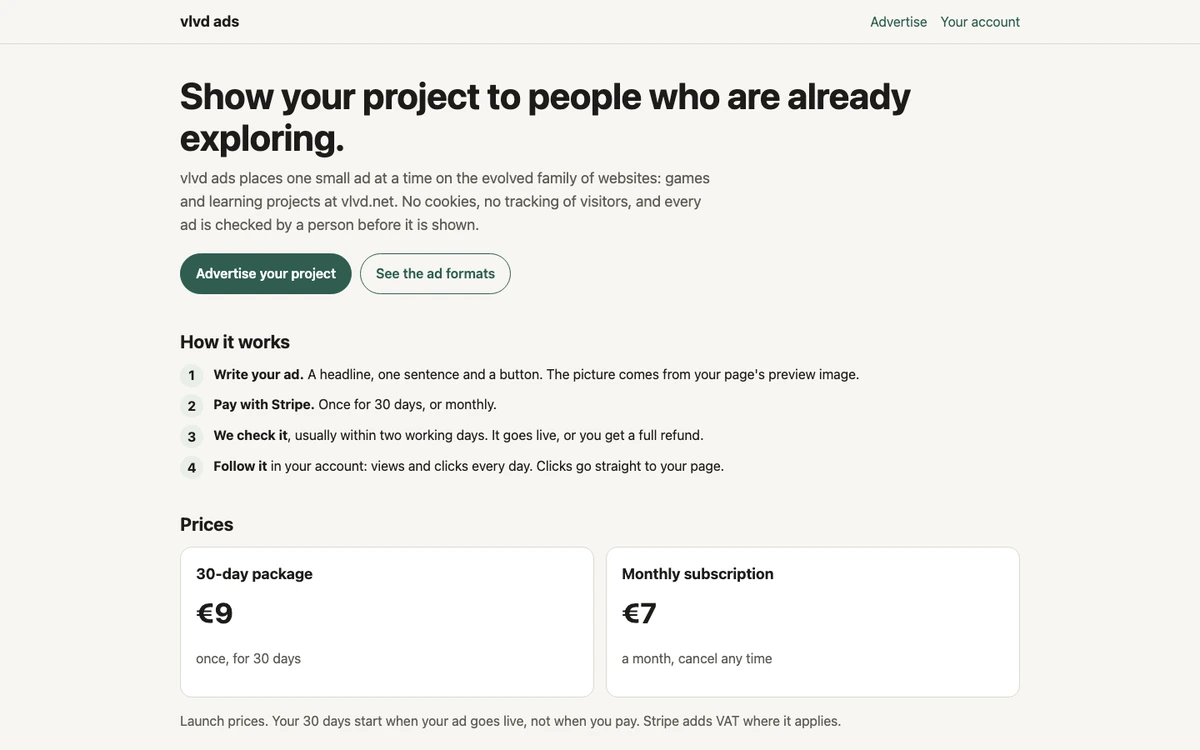
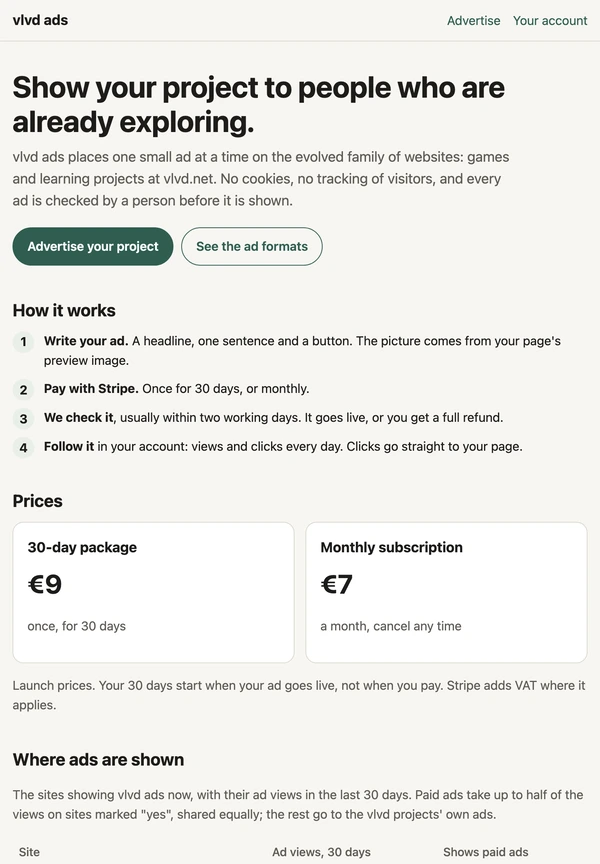
Some ad services use that same picture inside an ad. The ad service at ads.vlvd.net builds each ad from a headline, one sentence and a button, and takes its picture from the advertised page's own preview image, its og:image. That choice ties the picture in the ad to the page a click leads to.
What is an og:image, line by line
Every web page has a head section that readers never see. It holds the page's title and a set of meta elements, small tags that describe the page to programs rather than to people. One meta element might hold a short description that a search engine can show under a result. Another might say which language the page is in.
The og:image tag is one of these. It has two parts: a property name, og:image, and a content value, which is the full address of an image file. When a program reads the head and finds that tag, it knows which picture the page's owner wants to stand for the page.
The letters "og" stand for Open Graph. The tag does not change anything a visitor sees on the page itself. It only matters when some other program comes to read the page from the outside.
Where the Open Graph tags came from
The Open Graph protocol was published by Facebook in 2010. It gave developers a way to describe their pages so that a shared link could carry a title, a picture and a type of content into Facebook's own system. The protocol names four core tags: og:title for the title, og:type for the kind of object, og:image for the preview image and og:url for the page's canonical address.
The tags spread well past the site that wrote them. The same Wikipedia page notes that messaging apps adopted the protocol too, and that from 2016 Apple used it in iMessage for what it first called Rich Link, so a shared address shows a thumbnail picture with the page's details. Because so many apps read the same four tags, a page that sets them once gets a sensible preview almost everywhere it is shared.
How a link preview gets built
A link preview is not made by the page. It is made by the app where the link is pasted. The steps run in the same order each time.
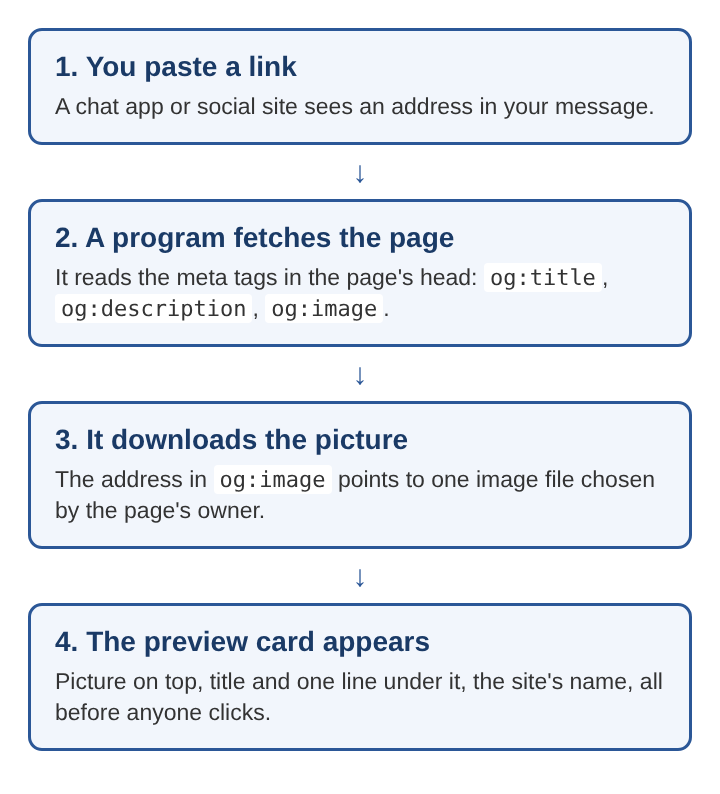
- The app spots an address. A chat app or social site notices that a message contains a link.
- A program fetches the page. The app's server, or sometimes the phone itself, downloads the page's code and reads the meta elements in its head.
- It downloads the picture. The address in
og:imagepoints to one image file, and the program fetches that file. - It draws the card. The picture goes on top, with the title and the one-line description under it and often the site's name.
All of this happens before anyone clicks. The person who receives the message sees the page's chosen picture and words first, then decides whether to open the link.
What happens when the tag is missing
A page with no og:image still gets shared, but the app has to guess. Some apps take the first large picture they find on the page, which may be a logo, a banner or a photo from halfway down. Others show a plain card with only the title, or no card at all.
Guesses go wrong in a few common ways:
- The wrong picture. A small icon or an unrelated photo stands for the whole page.
- A broken picture. The og:image address points to a file that was moved or deleted, so the card shows an empty space.
- A stale picture. Apps often keep a copy of the preview for a while, so a page that changes its picture can keep showing the old one.
Setting the tag on purpose, with a full address to a file that stays put, avoids all three.
A worked example: one page, one preview card
Take a page that teaches chess openings. Its owner adds three lines to the page's head: an og:title of "Five chess openings for new players", an og:description of "Learn the first moves and why they work", and an og:image that points to a picture of a chessboard after the first three moves.
Now someone pastes that page's address into a group chat. The chat app fetches the page, finds the three tags and downloads the chessboard picture. The card in the chat shows the board on top, the title in bold under it and the one-line description below that. Every friend in the chat sees the same card.
Next, the page's owner writes a small ad for it on the ad service named earlier. The ad has three parts within set limits: a headline of up to 40 characters, one sentence of up to 90 and a button of up to 18. The owner writes "Learn five chess openings" as the headline, "See the first moves and why each one works" as the sentence and "Open the lesson" as the button. There is no separate picture to upload: the advertise page says the picture is the page's preview image, the og:image, taken when the advertiser continues. So the ad shows the same chessboard as the chat card.
The result is that a reader who sees the ad sees the picture the page itself chose, and a click goes straight to that page, the landing page the ad promised. A person checks every ad before it runs, usually within two working days, and an ad must describe the page it links to truthfully. A picture that already belongs to the page makes that check simpler, since the picture and the page cannot drift apart.
What makes a preview image work
A good og:image does one job: it tells a person what the page is about before they open it. A few habits help.
- Show the subject. A chessboard for a chess lesson says more than a logo does.
- Keep words few and large. Previews often appear small on a phone, so tiny text on the image is hard to read.
- Use a full address. The
og:imagevalue should be the complete address of the file, so a program reading the page from outside can find it. - Keep the file in place. Old shares keep pointing to the same address, so moving the file breaks them.
- Match the page. A picture that promises something the page does not have makes people close the page fast.
Because the same picture shows up in chat cards, social posts and, on some ad services, in ads, the page's owner gets one place to fix it. Change the file the tag points to, and every new preview follows.
Frequently asked questions
Is og:image the same as a page's main picture?
Not always. The og:image is whatever file the tag names, and it can be a picture that never appears on the page at all.
Why does a shared link still show an old picture?
Many apps keep a copy of a page's preview after they first fetch it. Until that copy expires or is refreshed, the app keeps showing the picture it saved.
Do link previews need cookies?
No. The app fetches the page and the image file as plain downloads and reads the tags in the page's head, so no cookie is needed to build the card.
Which apps read Open Graph tags?
The protocol started with Facebook in 2010, and according to its Wikipedia page messaging apps adopted it as well, with iMessage using it for link previews from 2016.
Why one preview image travels so far
An og:image is a small decision with a long reach. The page's owner writes one line in the head, and from then on chat apps, social sites and some ad services all show the same picture whenever the page comes up. That makes the picture the page's first impression in places the owner never sees. Choosing it with care, keeping its address steady and making it match what the page really offers is the whole craft of a link preview.
vlvd ads
Show your project to people who are already exploring. Visit ads.vlvd.net